How I use BuzzKill to avoid missing package deliveries
If you’re just finding out about BuzzKill, it’s a notification manager that gives you control over your notifications and is very customisable for your needs. As the creator of it, people often ask me about how I use BuzzKill or how they can apply it to their own lives and so this blog post, and a few others, are an off the cuff guide to how I use it.
My problem with deliveries
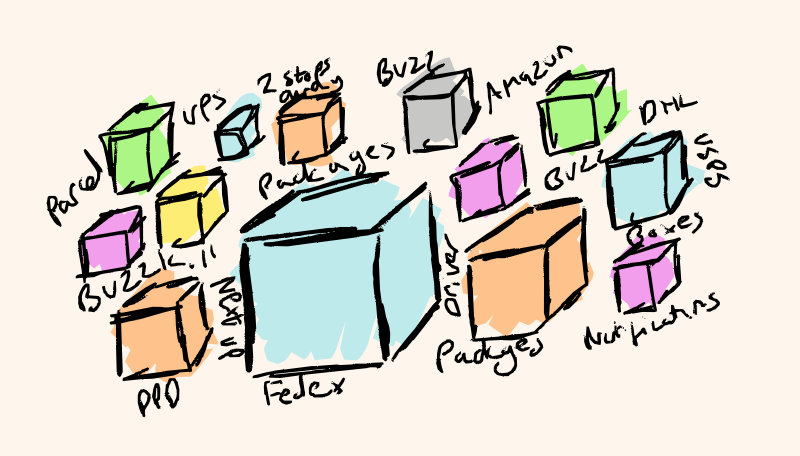
As I work from home, I’m often in the house when the delivery driver turns up. But I found I was still missing deliveries, because I was too busy with other things and (more commonly) had my headphones on and didn’t hear them knock. This might just be a me problem, but this is a problem that BuzzKill can help with.
1. Trigger an alarm for delivery notifications
Some apps send notifications or text messages when a driver is about to arrive/you’re the next delivery. For example, Amazon sends one when (I think) you’re the 8th delivery away. 8 deliveries away is too early for me as that could easily be 30+ minutes away, but the notification counts down until you’re the next delivery. So you can setup a rule in BuzzKill like this:
When I get a notification from Amazon that contains “1 stop away” then alarm immediately
But you can also customise it for other delivery services, text messaging containing certain words, etc…
2. Shine bright like a flashlight
Sometimes if I’m at my desk and my phone is face down and my music is blasting into my ears, it’s possible even the alarm doesn’t grab my attention. And for that, I use another rule:
When I get a notification from Amazon that contains “1 stop away” then flashlight with pattern
This allows me to turn on/off the flashlight which I’ll see when my phone is face down, even if I don’t hear the phone ringing. You can set custom patterns for each type of notification if you want.
Conclusion
And that’s it, you can customise these rules to add exemptions for specific apps, couriers, phrases, times, locations, whatever you want. E.g. you could the same thing for food delivery apps, or even reminders or security camera notifications.